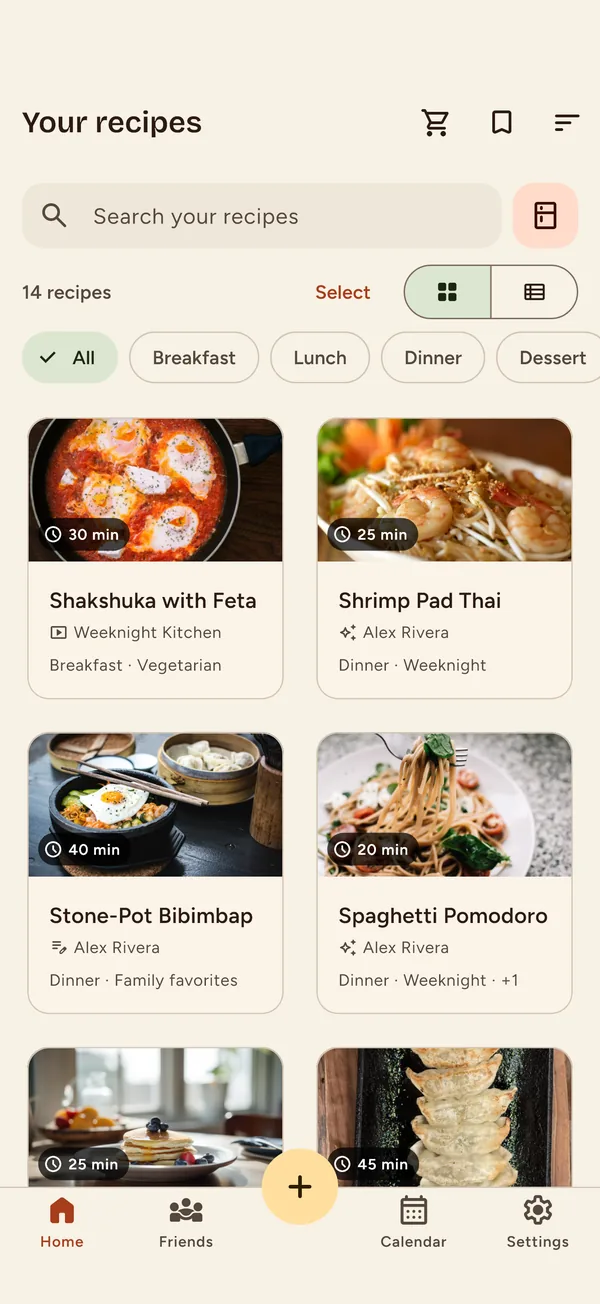
Your recipe library

Every recipe you cook, kept in one place.

Describe a dish and Nabe writes the recipe. Paste a YouTube link and it writes one out from the video. Then plan your week, build the grocery list, and cook step by step.

Three ways in

However the recipe reaches you, it ends up in your library.

Describe a dish

Type “chicken adobo for four” and get ingredients, steps and timings back. You review it before it's saved.

Labelled as AI-made

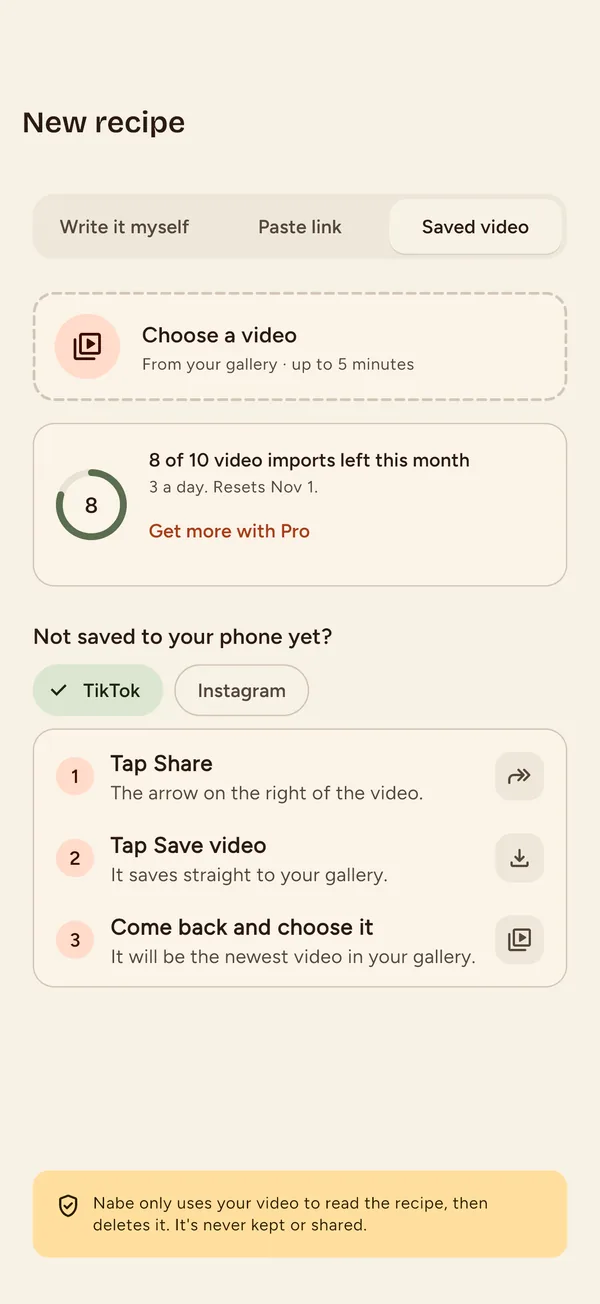
Paste a YouTube link

Share a cooking video straight from YouTube. Nabe writes out what the cook actually said and used.

Free on every plan

Type it in

Grandma's card, a notebook page, the one you know by heart. No link needed.
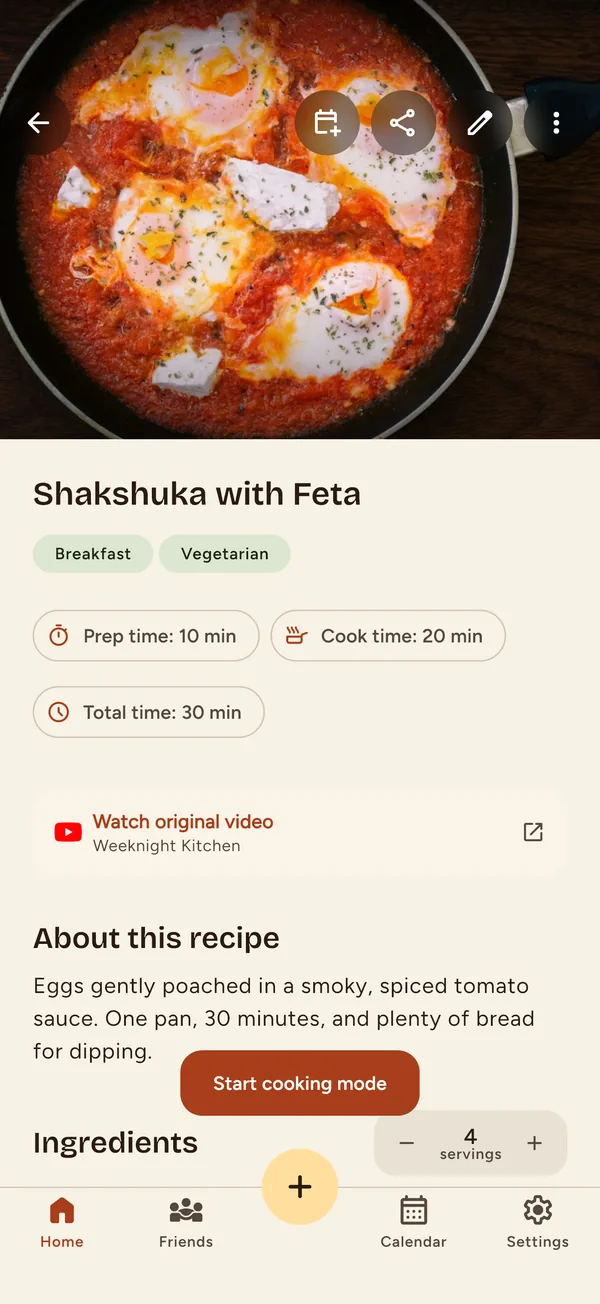
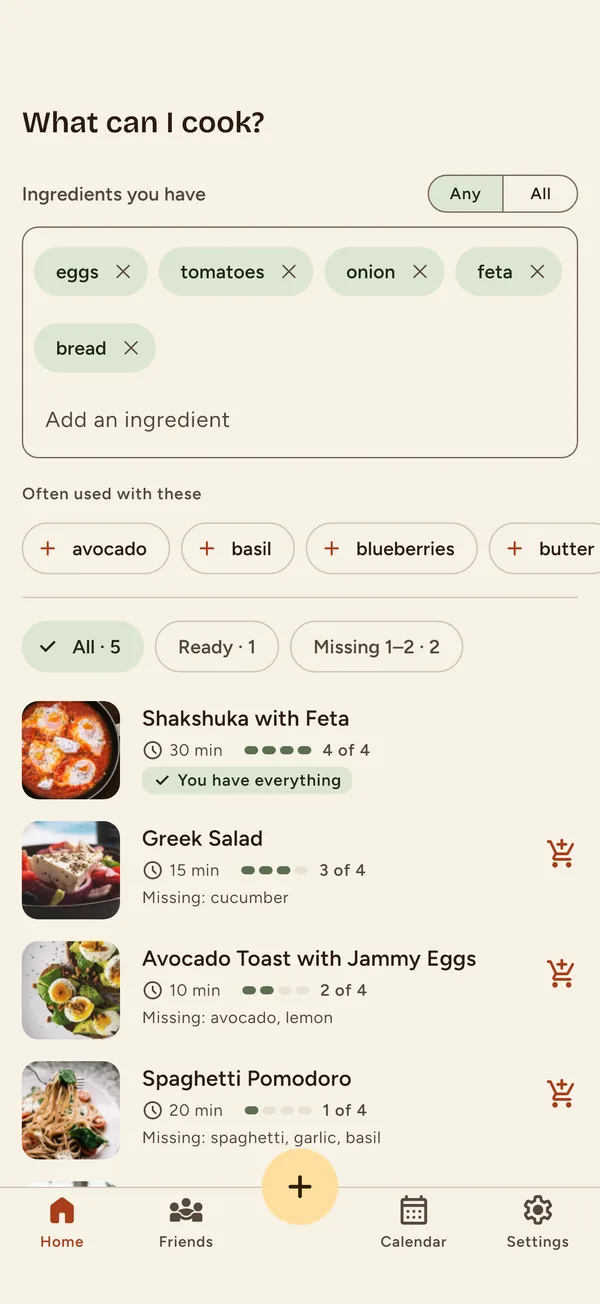
What can I cook?

Start from what's in the fridge.

List what you have. Nabe ranks your saved recipes by how much of each you can already make, or writes a new one from those ingredients.

Plan and shop

A week of dinners, one grocery list.

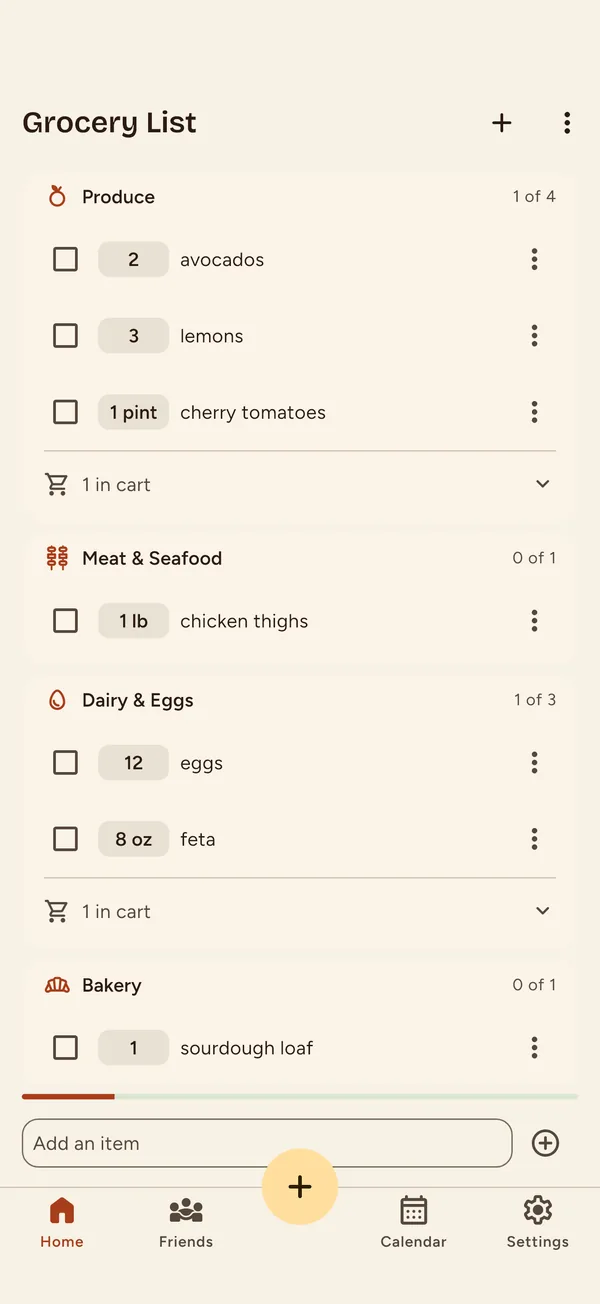
Put recipes on the calendar, then turn the week into a single list.

  • Repeated ingredients combine, with quantities added up
  • Grouped by aisle, in the order you walk the store
  • Check things off with no signal; it syncs later

Cooking mode

Big type you can read from the stove.

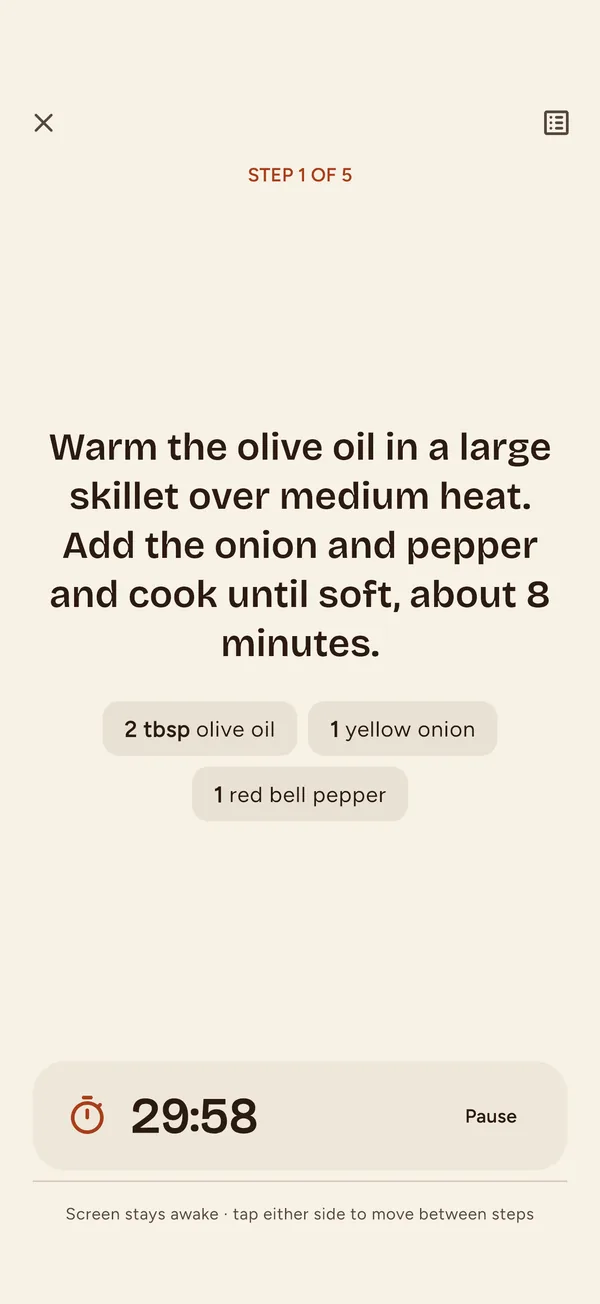
One step at a time, a kitchen timer you can pause with a floury hand, and the screen stays on. Tap either side to move on.

Friends, not followers

Cook with the people you actually eat with.

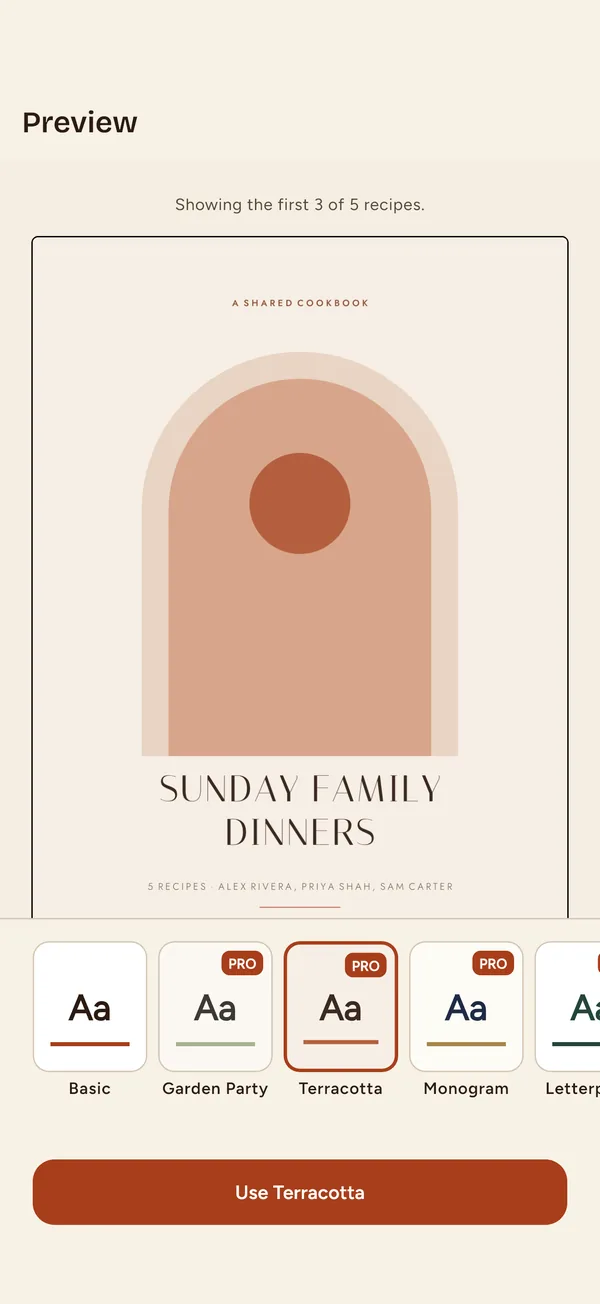
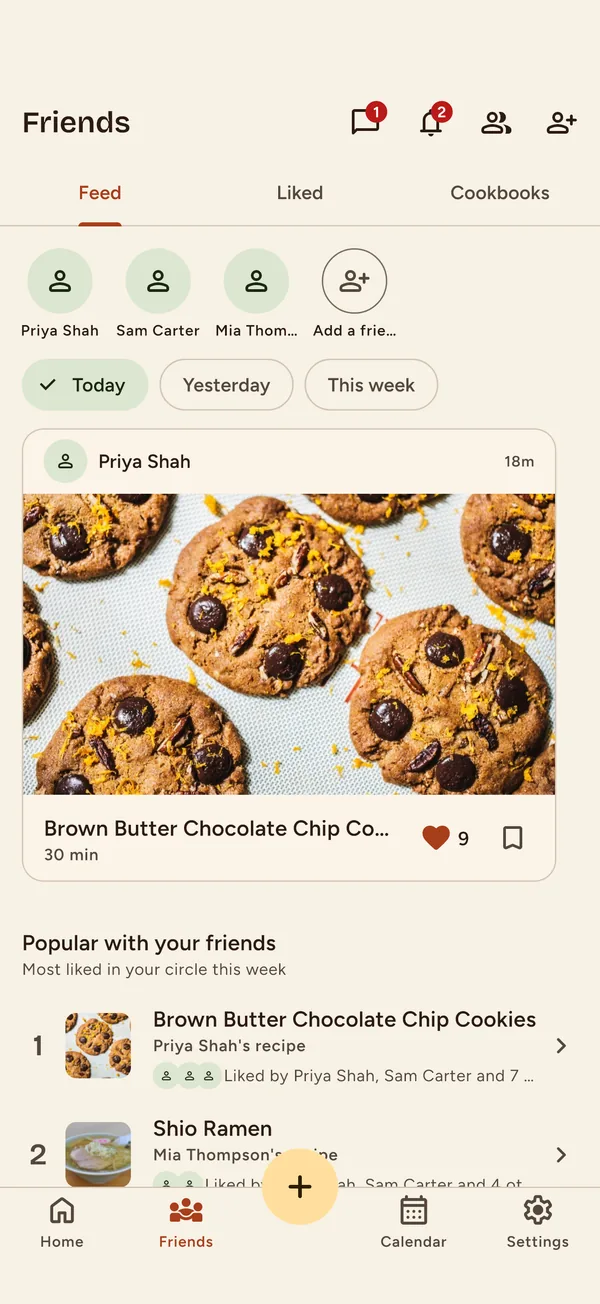
Add friends in person with a QR code, keep a shared cookbook, and plan dinner in the chat. No public feed and no strangers.

Your next dinner starts in the library.

Questions? support@naberecipes.com